


Frequently Asked Questions
-
For detailed information on returns and refunds please see this page:
-
Furniture items that are flat-packed as standard on delivery will have this information in the product description.
Reasons to have items delivered flat-packed instead of assembled:
- LESS EXPENSIVE TO SHIP: Flat-packed furniture is designed for easy and less expensive shipping. Shipping an item of furniture assembled can be up to 4 times as expensive per item.
- DISCOUNTED PRICE: As you will be required to assemble your item, we offer the flat-packed item at a discount to a fully assembled product.
- SOME PRODUCTS NOT SUITABLE FOR ASSEMBLED SHIPPING: Furniture items assembled are more difficult to handle for couriers and some are just not suitable for shipping assembled by a courier.
Perth Metro Area – Assembly
If you are located in the Perth Metropolitan area or outer perth regional areas you can select to have the product assembled. Please note that assembly of a product may not include installation. Any installation services must have a quote. Please contact us directly for these services.
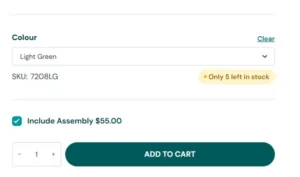
There is a checkbox on the product page for flat-packed furniture to have them assembled. Click this to include assembled on delivery. The cost for assembly is indicated next to the checkbox.
All other areas:
Some products that are suitable to be shipped assembled are indicated on the products description. However, please note that it is always more expensive to ship items assembled as they physically take up more space on a truck.
Examples of flat-pack products suitable for shipping:
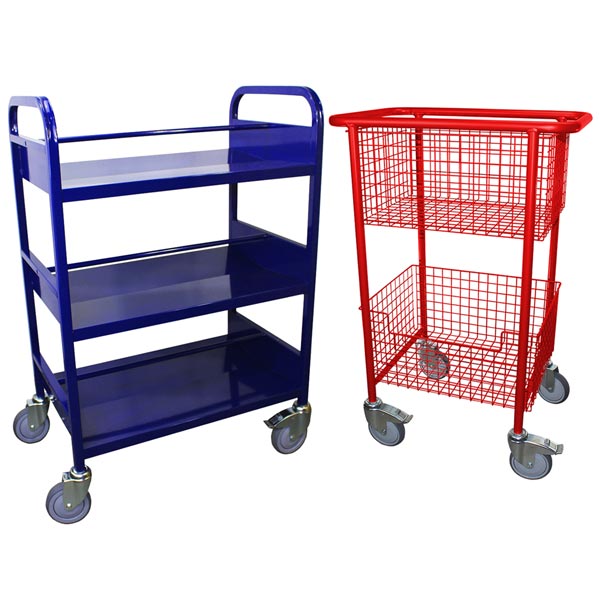
- Wire basket trolleys
- Metal book trolleys
- Basket trolleys
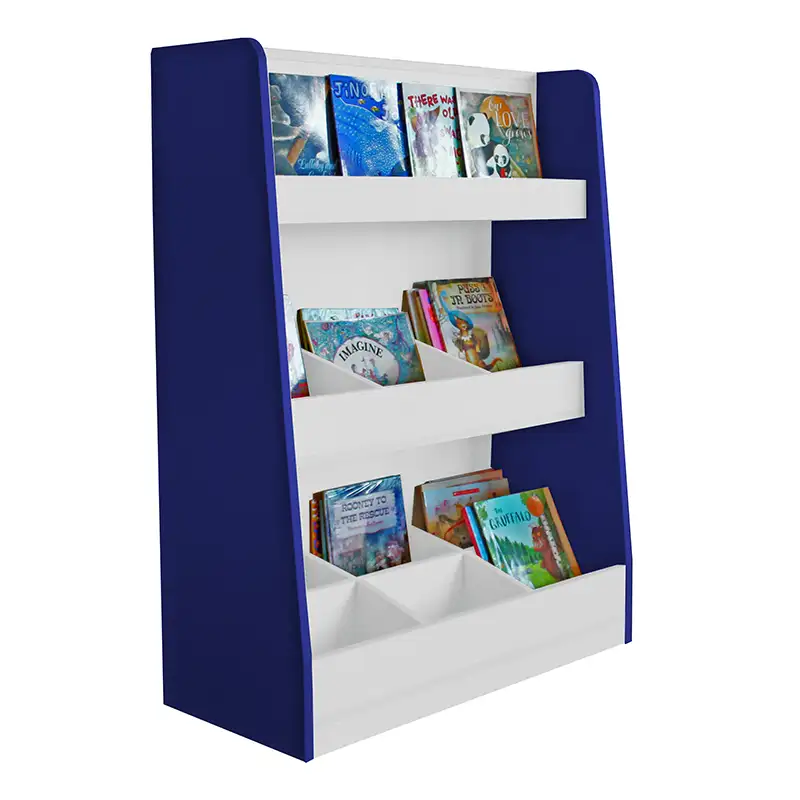
- Benny Big Book Display Box
-
You must create an account to receive discounted pricing.
For customer’s who are registering a School or Government Organisation after registration your account, your details will then be verified. Once that has occurred you will be given special account access to discounted pricing. Please wait until you have received a confirmation email that your account has been verified before placing any orders to make sure you are taking advantage of your discounted pricing.
-
Pricing for products are individually shown beneath each product description.
Where a product has multiple selection options from a drop down box, you will first need to make a selection from all drop downs, the price will then be displayed for the variation you have selected.
Discounted pricing is only shown for customer’s who are logged in and their account has been verified as a School or Government account.
All our advertised prices include GST.
-
If you require help or you’re having trouble placing an order online please contact WA Library Supplies Customer Service where we can take your order over the phone or by email or we can walk you through the process. Contact (08) 9497 3197 or sales@walib.com.au
-
There are a few ways to search for a product.
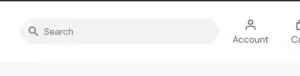
Using the search function top right of screen – enter the item you want to search for:
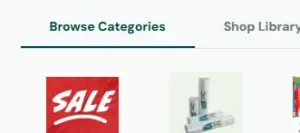
Using the image category menu to search:
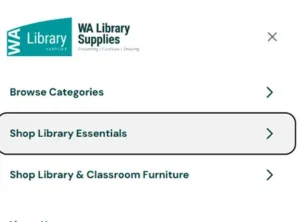
Select ‘Browse Categories’ to view all of the main categories of products.
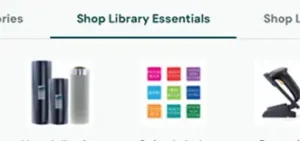
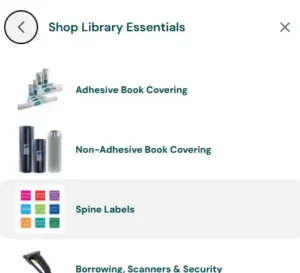
Select ‘Shop Library Essentials’ – this will display all of our bookcovering, stationery and small consumable product categories.
Select ‘Shop Library & Classroom Furniture’ – this will display all of our furniture categories.
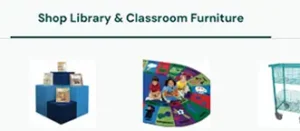
To scroll through all these menu items go to the end of the row and an arrow will appear. Click this and you will continue scrolling the categories.

Using the category flyout menu to search:
On the top right you will see the ‘burger’ menu icon. Click this to open the flyout menu.
You will then be able to click on the same categories as for the image menu.
To view the products in the category simply click on the menu item.
-
To update your details you will need to go into your account, this is located at the top right.
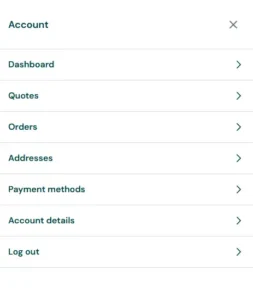
You will then be taken to your account menu.
‘Addresses’ – change shipping and billing address
‘Account details’ – change email address and password (note, if your email address has been registered as your username you will not be able to change the email address).
-
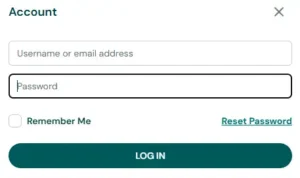
If you have forgotten your password – click the account icon on the top right
Then press ‘Reset Password’
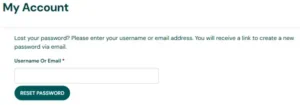
You will then be taken to a screen to enter your email address. An email will be sent to you to reset your password. Don’t forget to check your junk/spam folder in case the email has gone into this folder. If you are having any trouble, try using a Chrome browser.
To update your password when logged into your account you will need to go into your account section, this is located at the top right.
You will then be taken to your account menu.
Under ‘Account details’ – you can change your password.
-
Shipping is calculated on the website once a shipping address has been entered into the checkout page.
Without your state, suburb and post code the website will be unable to return a shipping value.
For some locations the website will not be able to provide a shipping amount. If this occurs you can press ‘Email for a Quote’ and we will provide a quote for your items + any shipping costs.
To read in detail the shipping costs please see this page:
-
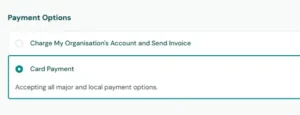
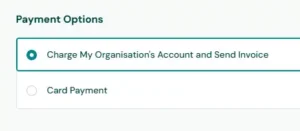
Yes. When you proceed to checkout, there is a section where you can either select Charge my Account or Pay by Credit Card.
This will then take you to a secure payment gateway to enter your card details.
-
Yes. When you proceed to checkout, there is a section where you can enter your purchase order number (Please Note this is only available for account holders)
This number will then be added to your invoice.

You will then need to select the payment option “Charge My Organisation’s Account and Send Invoice”. We will then send an invoice with 30 day payment terms. – note that this option is only for School’s or Government Organisations.
-
To request a quote online:
Add all the products you would like quoted into your shopping cart
View your cart and edit / delete any products
From there go to the checkout page.
You will need to enter your details and your shipping details.
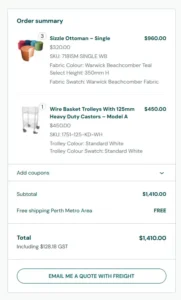
On the right hand side of your checkout page, you can see an order summary. Below the order summary press the ‘EMAIL ME A QUOTE WITH FREIGHT’.
We will then email you a quote including any delivery costs.
-
To create an account – click the account icon on the top right
Then press ‘Create an Account’
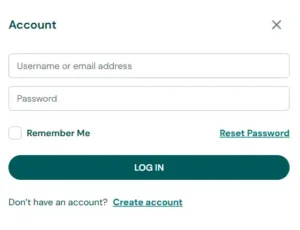
You will then be taken to a User Registration Page – please complete the registration details.
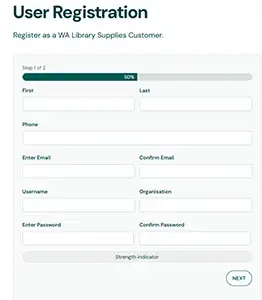
You will be then be sent an email confirming your account.
IMPORTANT – for customer’s who are registering a School or Government Organisation after registration your account, your details will then be verified. Once that has occurred you will be given special account access to discounted pricing. Please wait until you have received a confirmation email that your account has been verified before placing any orders to make sure you are taking advantage of your discounted pricing.
